 )
)Introduction
“Boost conversions” is a strong claim, so evaluate 3D + AR Shopify apps by the mechanisms they improve—not by demo appeal. In 3D commerce, conversion lift usually comes from three things:
- Higher purchase confidence through realistic visualization
- Less sizing doubt through AR and dimensions
- Easier decision-making when variants are accurate and easy to compare
A 3D AR Shopify app is not automatically better than strong photography. It is better when it reduces uncertainty without creating new friction: slow pages, confusing controls, maintenance overhead, or broken variant mapping.
This guide explains what to test in Shopify apps, what “good” looks like on a PDP, and how to roll out 3D/AR in a measurable way.
Why 3D + AR Matter in Ecommerce
Online shopping is an information problem. In-store, shoppers can walk around a product, judge scale, compare finishes, and inspect details. On a PDP, they rely on photos, copy, reviews, and specs. That is enough for many products—but not always for high-consideration, configurable, variant-heavy, or size-sensitive categories.
Shoppers hesitate when questions remain unanswered:
- “Will it fit?”
- “Is this the exact variant?”
- “Will the finish match my space?”
- “What does it look like from the side or back?”
- “Does the material look premium up close?”
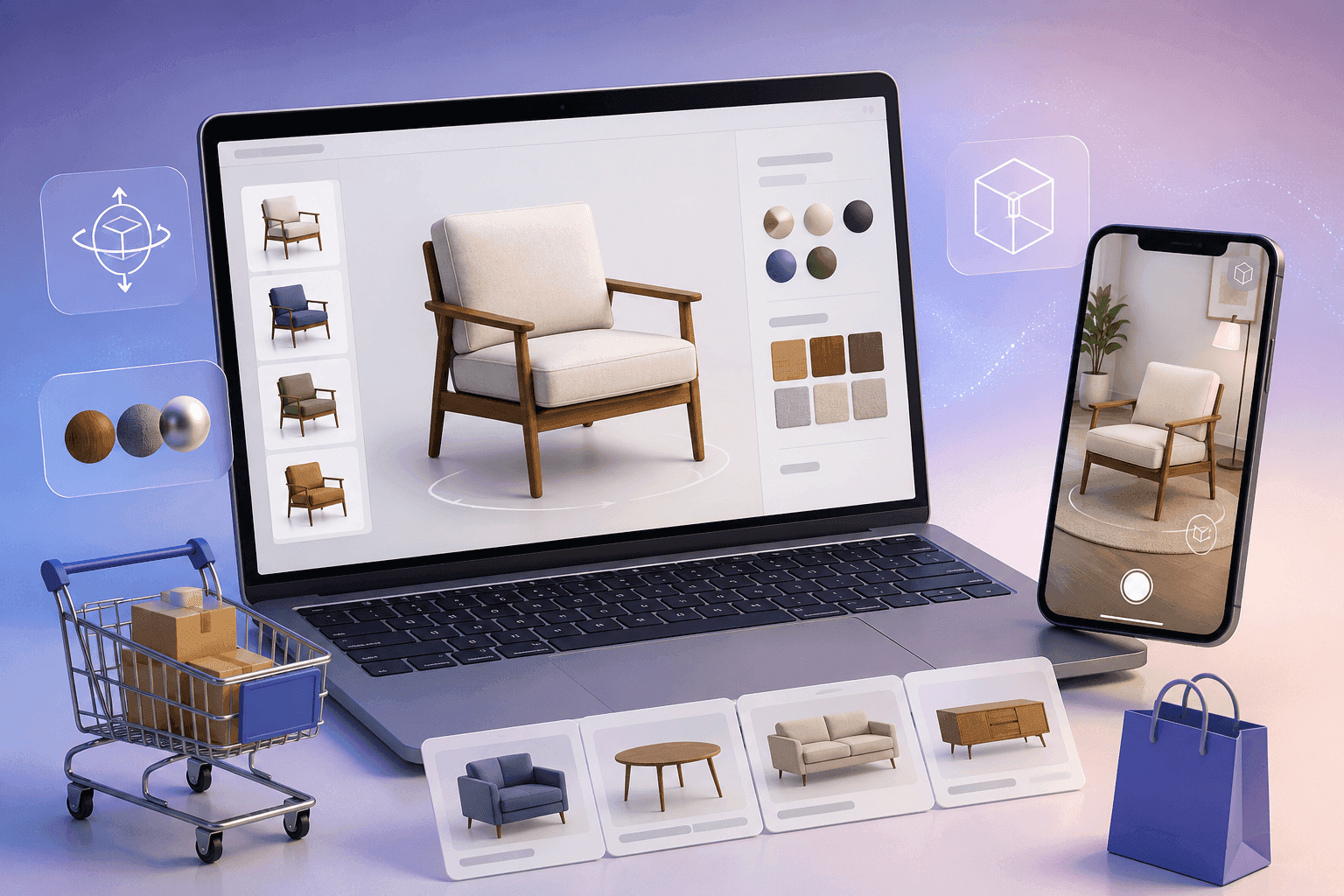
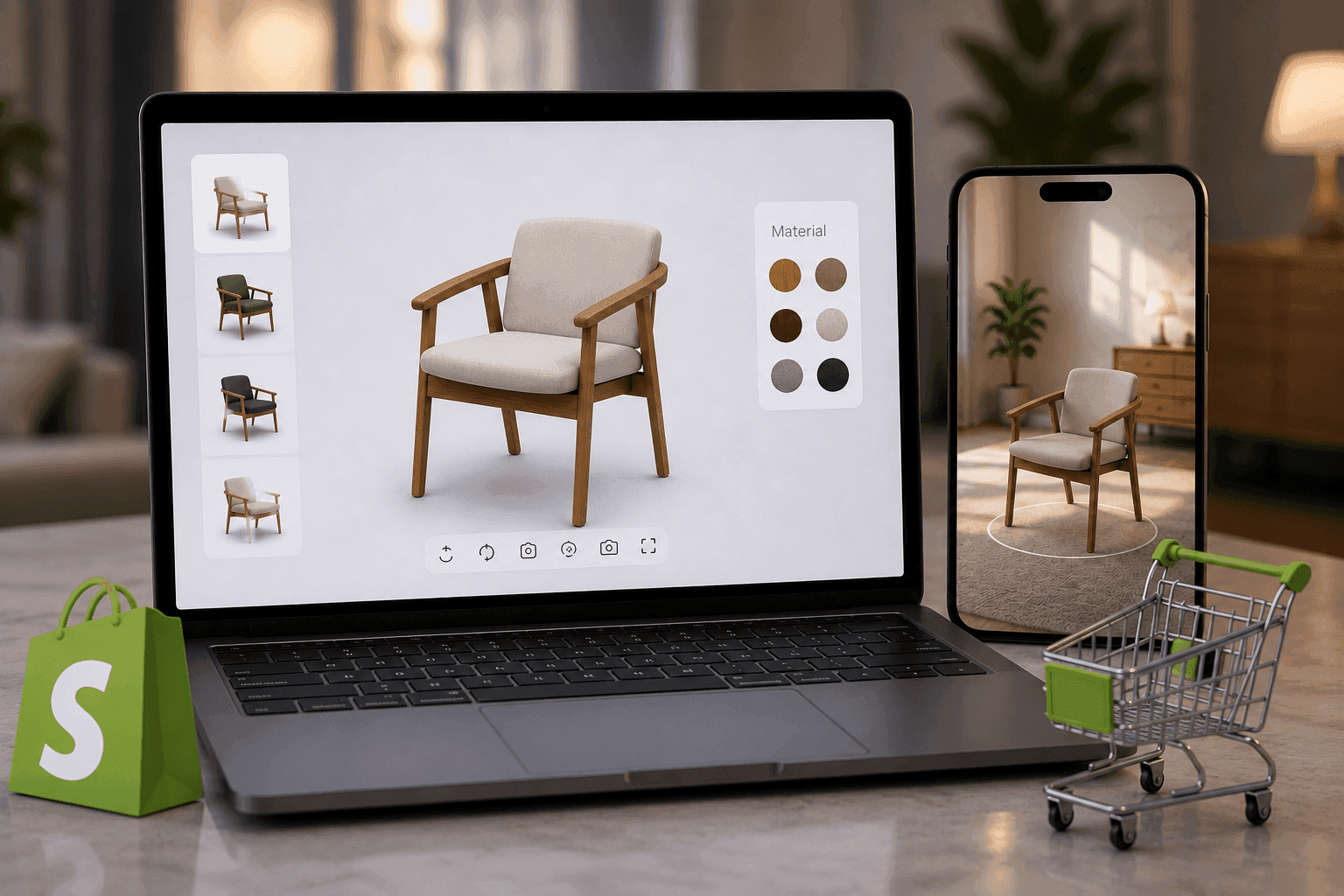
A well-executed Shopify 3D viewer can make products easier to understand. Shopify AR and WebAR can reduce fit uncertainty by letting shoppers validate scale in their own environment.
3D commerce is not a replacement for strong imagery. It is an additive layer for products where static photos cannot efficiently answer every buyer question—especially when many variants or configurations are involved.
Practical buying advice: when 3D/AR is most likely to be worth it
3D + AR tends to be most valuable when:
- Scale matters, such as furniture, home goods, or baby gear
- Shoppers compare many finishes or variants
- Hero products need premium storytelling and trust
- Configurable products cannot be fully photographed
- Returns are driven by “not what I expected” issues
If none of these apply, improve PDP basics first: specs, variant naming, size guides, photography, and performance.
Why 3D Does Not Automatically Increase Conversions
Many 3D AR Shopify app pages imply a simple equation: “Add 3D → conversions go up.” Reality is more conditional.
3D can fail when:
- The experience loads slowly, especially on mobile.
- Shoppers do not notice the 3D/AR entry point.
- Variants do not match what ships.
- The experience looks impressive but does not answer purchase questions.
- AR requires extra steps, separate pages, or app downloads.
Conversion optimization comes from reducing decision cost. A Shopify 3D product viewer can increase product understanding. Shopify WebAR can increase confidence about size. Analytics can show whether those interactions actually correlate with purchases.
Think of the PDP as a balance:
- Confidence pushes shoppers toward purchase.
- Friction pushes them away.
- Trust is the foundation.
- Understanding fuels confidence.
The goal is not to add 3D because it is novel. The goal is to remove uncertainty faster than the experience adds friction.
The Five Conversion Mechanisms That Matter
1) Visual Confidence: Interactive 3D Viewing
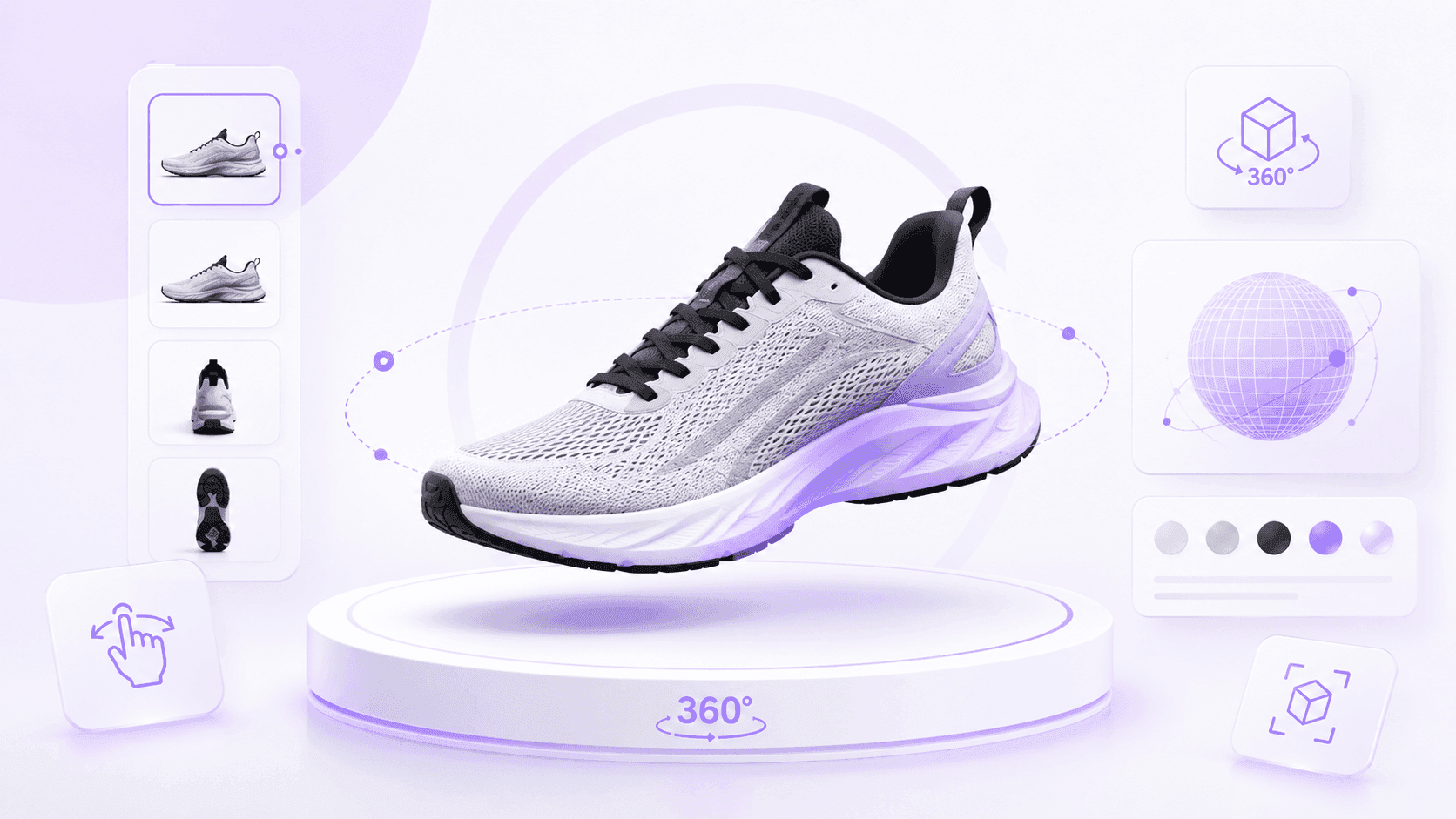
Interactive 3D lets shoppers rotate, zoom, and inspect a product from multiple angles. RenderEase documents a Real-Time 360° Product Viewer for rotation, zoom, and inspection.
This matters because shoppers hesitate when they must “fill in the blanks.” A strong 3D viewer makes the product feel more concrete and reduces the mental effort required to understand shape, proportions, and details.
Evaluate:
- Is interaction smooth on mid-range mobile devices?
- Does zoom show meaningful detail?
- Is the “View in 3D” entry point easy to find?
- Does the viewer avoid blocking price, variants, or Add to Cart?
- Does it work inside your actual Shopify theme?
Common mistakes include hiding the viewer, using a heavy experience that slows the PDP, or focusing on “wow” instead of answering real purchase questions.
2) Material Realism: PBR Reduces Finish Anxiety
PBR (physically based rendering) helps surfaces look realistic under different angles and lighting. RenderEase documents PBR Material & Color Swapping designed to keep material changes photoreal.
This matters because finish anxiety is a real conversion blocker. Shoppers worry that walnut, black oak, matte metal, fabric, or gloss finishes will look different in person.
A good implementation should:
- Keep material behavior consistent across variants.
- Match Shopify variant names clearly.
- Make swaps feel fast.
- Avoid oversaturated or unrealistic colors.
- Provide enough texture detail for close inspection.
“Material realism isn’t about making products look prettier. It’s about making expectations more accurate.”
3) Variant Accuracy: SKU-Based Switching
Variant switching means the 3D experience updates when shoppers change Shopify variants. RenderEase documents Real-Time Variant Switching mapped 1:1 to real SKUs.
Variant confusion breaks trust quickly. If the shopper selects “Oak / Large” but the viewer still shows “Walnut / Medium,” they have to decide whether to believe the UI. Most will hesitate.
Evaluate:
- Does the viewer update on every variant change?
- Are variant names consistent between Shopify and the 3D system?
- What happens when a variant is out of stock?
- What happens when only some SKUs have 3D assets?
- Is switching consistent on desktop and mobile?
⚠️ If your Shopify variants are messy—duplicated names, unclear bundles, or inconsistent options—fix that first. A 3D AR Shopify app cannot compensate for an unclear product model.
4) AR: No-App WebAR Reduces Sizing Uncertainty
AR helps shoppers validate scale and placement. RenderEase documents a No-App WebAR Viewer and True-to-Scale Rendering.
AR is most useful when size or spatial fit is a real purchase barrier. A shopper buying a side table, stroller, appliance, or décor item may understand the product better after placing it in their own space.
Evaluate:
- Does AR launch without an app download?
- Does it work reliably on common mobile devices?
- Is scale accurate relative to listed dimensions?
- Is the AR CTA easy to find on mobile?
- Does AR return the shopper smoothly to the PDP?
Common mistakes include hiding AR behind multiple taps, using app-download flows, or treating AR as a gimmick instead of a sizing tool.
5) Analytics: Measurement Prevents Demo Bias
Analytics connect interaction to outcomes. RenderEase documents a Behavioral Analytics Dashboard tracking sessions, dwell time, hotspots, variant engagement, AR launches, and conversion lift.
Without measurement, teams judge 3D by stakeholder reaction: “It looks great.” That is demo bias. A mature 3D program measures whether shoppers actually use the experience and whether those interactions support purchase behavior.
Track:
- Viewer sessions
- Dwell time
- Variant engagement
- Hotspot interactions
- AR launches
- Conversion lift vs baseline
Use the data to improve entry point visibility, fix confusing variants, add hotspots where shoppers need clarity, and prioritize products that show strong engagement.
Shopify App Evaluation Framework
A good 3D AR Shopify app is not just a viewer. It is a workflow. You are buying an implementation path, a maintenance model, a measurement model, and a shopper UX layer that must fit your theme.
Installation and Maintenance
RenderEase documents One-Click Shopify Install and compatibility with Shopify themes. Ask what installation requires in an Online Store 2.0 theme, whether non-technical teams can manage placement, and what happens during theme updates.
Red flags:
- Engineering is required for every change.
- There is no rollback or uninstall plan.
- Theme updates routinely break the experience.
Catalog Sync and SKU Selection
RenderEase documents Catalog Sync & SKU Selection so merchants can choose which SKUs get 3D/AR first.
Ask how products and variants sync, how renamed or discontinued SKUs are handled, and whether you can start small before scaling. Avoid workflows where every asset and variant mapping is manually maintained.
Publishing Workflow
3D product page optimization is iterative. You may need to move buttons, add hotspots, update variant mapping, or adjust styling. Ask who can publish changes, whether there is a preview process, and whether updates require theme redeploys.
Shopper UX
RenderEase documents a customizable “View in 3D” button. Discoverability matters: if shoppers do not find the entry point, the experience cannot influence behavior.
Evaluate:
- Button placement above the fold where relevant
- Clear CTA text instead of vague icons
- Mobile AR discoverability
- Touch-friendly controls
- Smooth return to the PDP after AR
Theme Compatibility
Validate the app in your real Shopify theme and stack. Test it with variant selectors, reviews, subscription widgets, sticky Add to Cart, and other installed apps. “It should work” is not enough; compatibility should be tested.
Performance and SEO
Performance is part of conversion optimization. Ask whether the 3D experience lazy loads, whether assets are compressed, whether core PDP content loads first, and how mobile performance is tested.
Red flags include viewers that block page rendering, heavy assets with no compression guidance, or poor mobile behavior during trials.
Analytics and Measurement
A useful app should report more than “views.” Look for dwell time, variants, hotspots, AR launches, product/device breakdowns, and conversion lift vs baseline. Measurement should help you improve, not just report activity.
Analytics That Matter
Page views are not enough. They do not show whether shoppers used the 3D viewer, explored variants, launched AR, or moved closer to purchase.
Useful metrics include:
- Dwell time: Shows engagement and exploration.
- Variant engagement: Reveals which options shoppers compare most.
- Hotspot interactions: Shows which product details matter.
- AR launches: Indicates sizing concern and fit validation.
- Conversion lift vs baseline: Helps evaluate outcomes beyond engagement.
- Abandonment signals: High engagement with low purchase may point to missing information, pricing concerns, shipping questions, confusing variants, or performance issues.
Use analytics in a loop:
- Diagnose: Identify products with high engagement but low conversion.
- Hypothesize: Determine what question remains unanswered.
- Improve: Adjust placement, add hotspots, refine mapping, or improve copy.
- Measure again: Compare engagement and outcomes.
A practical starting point: treat viewer engagement as a leading indicator and conversion lift vs baseline as the outcome metric.
Performance Considerations
A 3D AR Shopify app is part of your PDP, so it competes with everything else for load time and attention.
Performance affects:
- Mobile satisfaction
- Trust and perceived quality
- Speed to Add to Cart
- SEO and user behavior signals
During trials, test:
- Lazy loading behavior
- Mid-range mobile devices
- Typical customer networks
- Asset compression
- CDN delivery
- Whether the viewer blocks critical PDP elements
- Layout stability during load
✅ During trials, test performance the way customers experience it: a typical mobile device, a typical network, and a typical PDP with all your other apps running.
Choosing Products to Launch First
Do not start with the entire catalog. Choose products where uncertainty is expensive and success is measurable.
Prioritize:
- High AOV products: Confidence matters more when the purchase is considered.
- Complex products: More details require more inspection.
- Configurable products: Too many combinations for photography alone.
- High return-rate products: Especially where returns come from expectation mismatch.
- Products with many finishes: Variant comparison is central to the decision.
- Hero products: High traffic creates faster learning.
A practical rollout:
- Pick 10–25 SKUs.
- Clean up Shopify variant naming and SKU structure.
- Launch with a visible “View in 3D” entry point and mobile AR CTA.
- Track dwell time, variants, hotspots, AR launches, and conversion signals.
- Compare performance against baseline.
- Expand based on evidence, not opinions.
Comparison: Shopify 3D/AR Approaches
| Approach | Implementation effort | Scalability | Analytics | Best for |
|---|---|---|---|---|
| Photography-only | Low | Hard for many variants; requires reshoots | Standard PDP analytics | Low-variant products or early-stage stores |
| Viewer-only embed | Medium | Can become manual as catalog changes | Often limited to simple views | Small pilots or basic 3D needs |
| Shopify app + connected platform | Lower once workflow is established | Designed for SKU scaling, sync, and workflow | Behavioral signals and conversion lift vs baseline | Scaling 3D/AR across SKUs with measurement |
Use your constraints as the decision lens. If you have few variants and strong photos, photography-only may be enough. If you need 3D for a small set of products, an embed may work. If you want to scale and optimize, prioritize workflow, SKU mapping, performance, and analytics.
Common Pitfalls
Pitfall 1: AR Requires an App Download
Shoppers rarely install an app just to check scale. Prefer no-app Shopify WebAR and make the mobile AR CTA easy to find.
Pitfall 2: Variants Look Different Than What Ships
Loose mapping or unrealistic materials breaks trust. Demand SKU-based mapping where supported and validate high-volume variants before launch.
Pitfall 3: Analytics Stop at “Views”
Views do not prove understanding or purchase impact. Require behavioral analytics such as dwell time, variants, hotspots, AR launches, and conversion lift vs baseline.
Pitfall 4: Every Update Requires Developers
If every button move, hotspot change, or variant update needs engineering, teams stop iterating. Prefer no-code controls and a clear publishing workflow where appropriate.
Pitfall 5: Mobile Performance Is Poor
3D assets can be heavy. Treat lazy loading, compression, and mobile-first testing as launch gates—not future improvements.
Future of Shopify 3D Commerce
The future of Shopify 3D commerce will likely be more automated, configurable, and measurable—but performance and accuracy will still matter.
Key trends:
- AI-assisted visualization workflows: Faster asset creation and updates, with accuracy governance.
- More configurators: Especially for customizable products where shoppers expect to see exact combinations.
- Personalized merchandising: 3D experiences may adapt to shopper intent or product context.
- Broader WebAR adoption: No-app AR will become more familiar for scale-sensitive categories.
- Purposeful immersion: More immersive does not always mean better. The best experiences will be fast, clear, and measurable.
Conclusion
A 3D AR Shopify app is valuable only when it removes buyer uncertainty without creating new friction. When the experience is realistic, variant-accurate, mobile-friendly, discoverable, and measurable, it can improve product understanding and confidence on the PDP. When it is slow, untracked, or mismatched to Shopify variants, it can hurt trust and performance.
Evaluate solutions through a merchant lens:
- Does it help the shopper decide?
- Does it fit your theme and performance needs?
- Can your team maintain and improve it?
- Can you measure what matters and iterate?
RenderEase documentation describes a workflow that includes one-click Shopify install (beta), catalog sync and SKU selection, a real-time 360° product viewer, PBR material and color swapping, real-time variant switching tied to SKUs, a no-app WebAR viewer with true-to-scale rendering, a no-code configurator editor, and behavioral analytics including conversion lift vs baseline. Use those capabilities as a reference point, but keep the final evaluation grounded in your store, your products, and your measurement plan.